 Enterprise
This article describes how to manage enterprise information in Zadig, including:
- Enterprise information (name, website, login page copyright display, enterprise logo)
- License
- Theme settings
- System language
# Enterprise Information
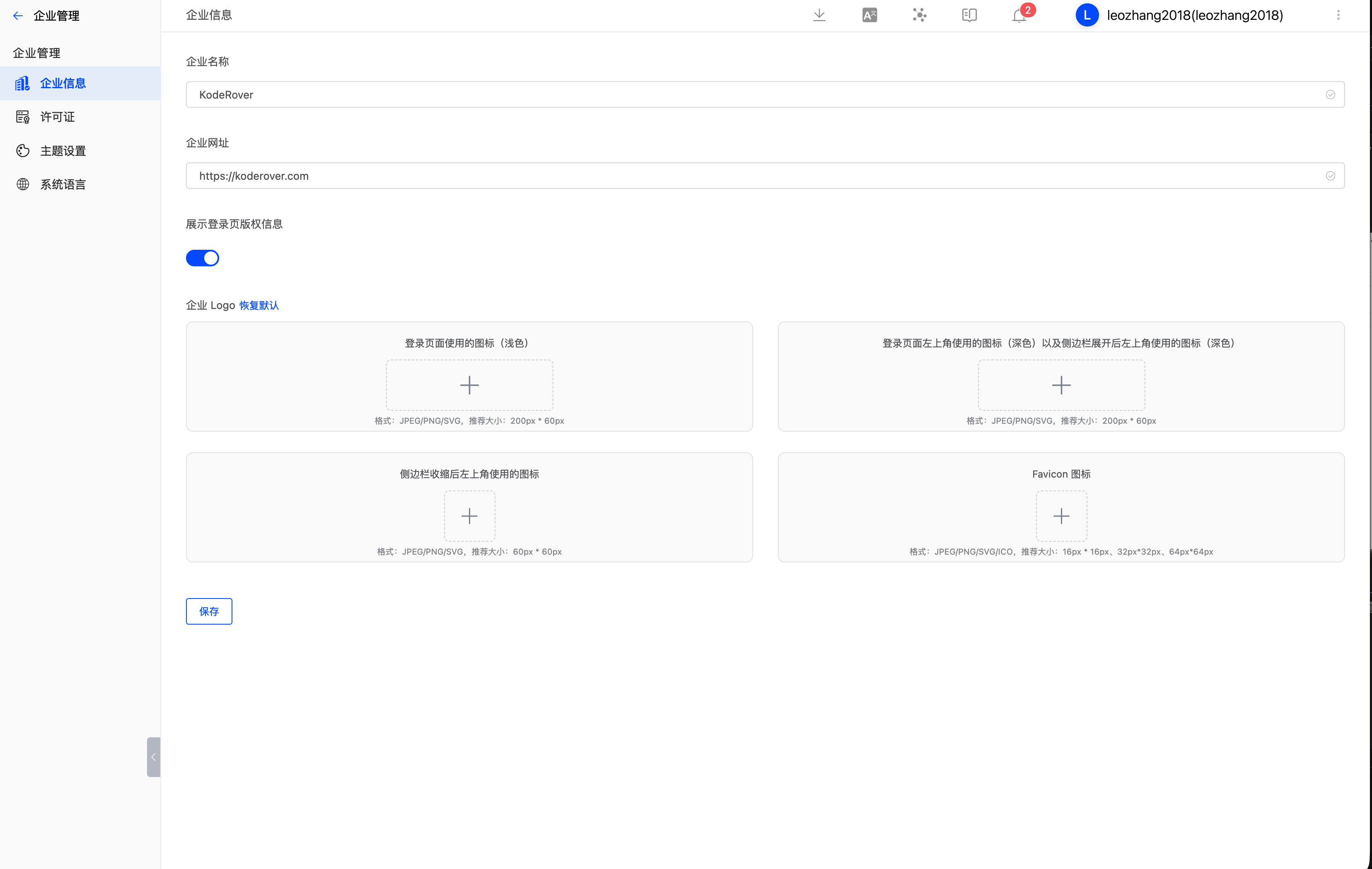
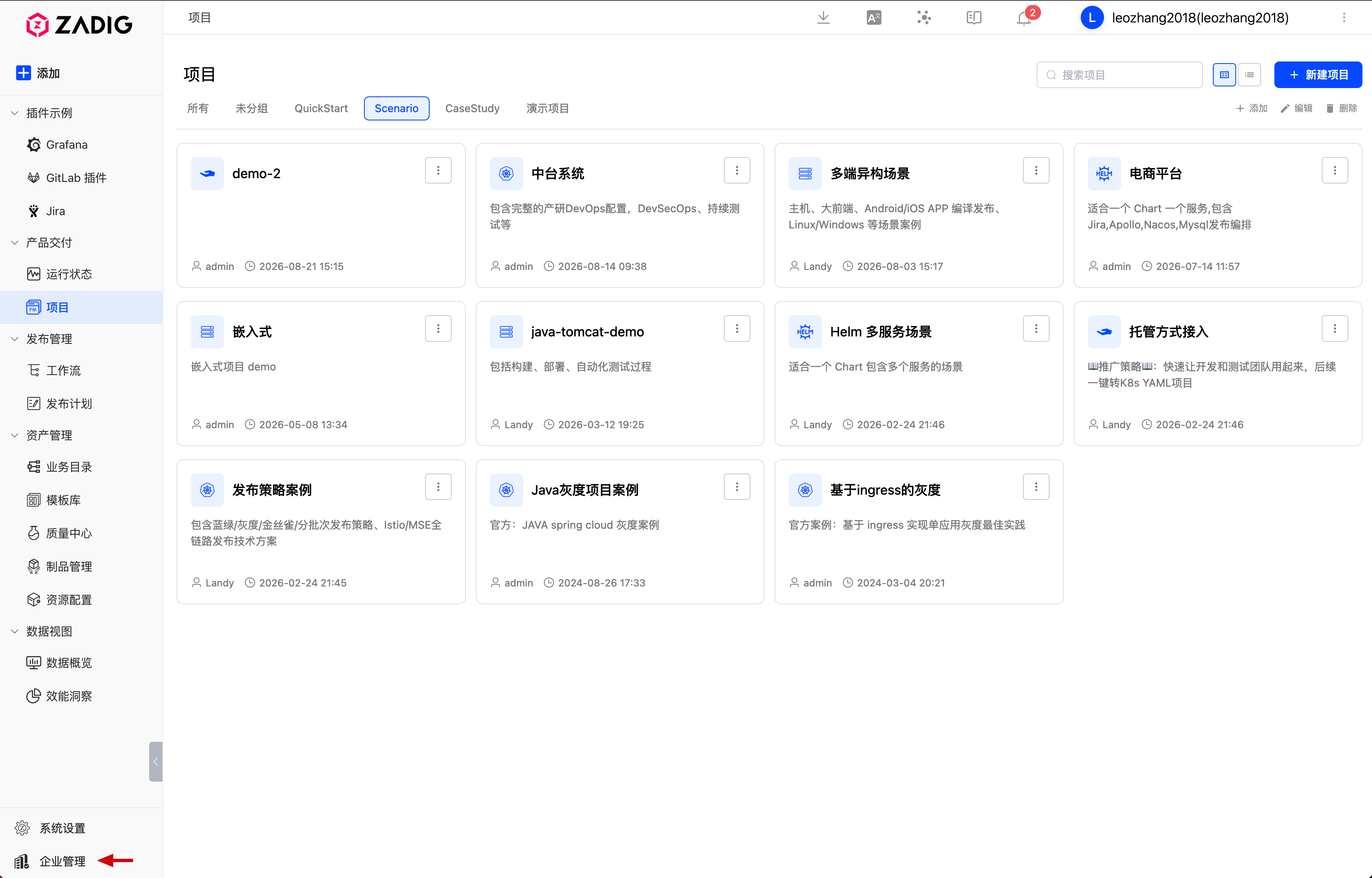
System administrators can go to Enterprise Management -> Enterprise Information to modify the enterprise name, website, login page copyright display, and enterprise logo.
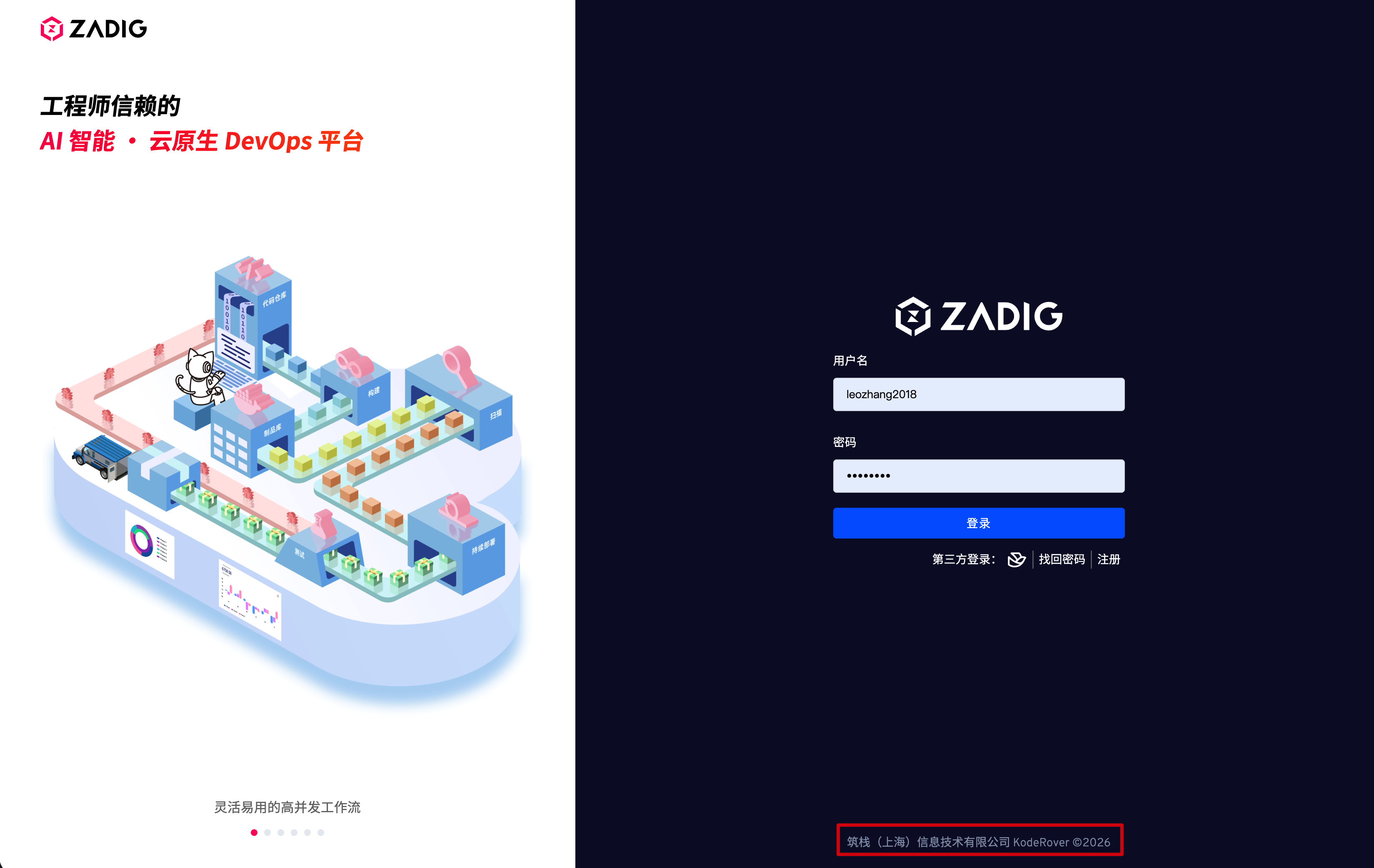
# Login Page Copyright Display
You can control whether the footer information is displayed on the login page.
# Enterprise Logo
- Icon used on the login page (light). Format: JPEG/PNG/SVG. Recommended size: 200px * 60px.
- Icon used in the upper-left corner of the login page (dark) and in the upper-left corner of the expanded sidebar (dark). Format: JPEG/PNG/SVG. Recommended size: 200px * 60px.
- Icon used in the upper-left corner of the collapsed sidebar. Format: JPEG/PNG/SVG. Recommended size: 60px * 60px.
- Favicon icon. Format: JPEG/PNG/SVG/ICO. Recommended sizes: 16px * 16px, 32px * 32px, 64px * 64px.
# License
# Get a Free 30-Day Trial License
After installation, get a trial license through the official self-service page(opens new window). If you need help during the trial, add the assistant to join the user community.
# Configure License
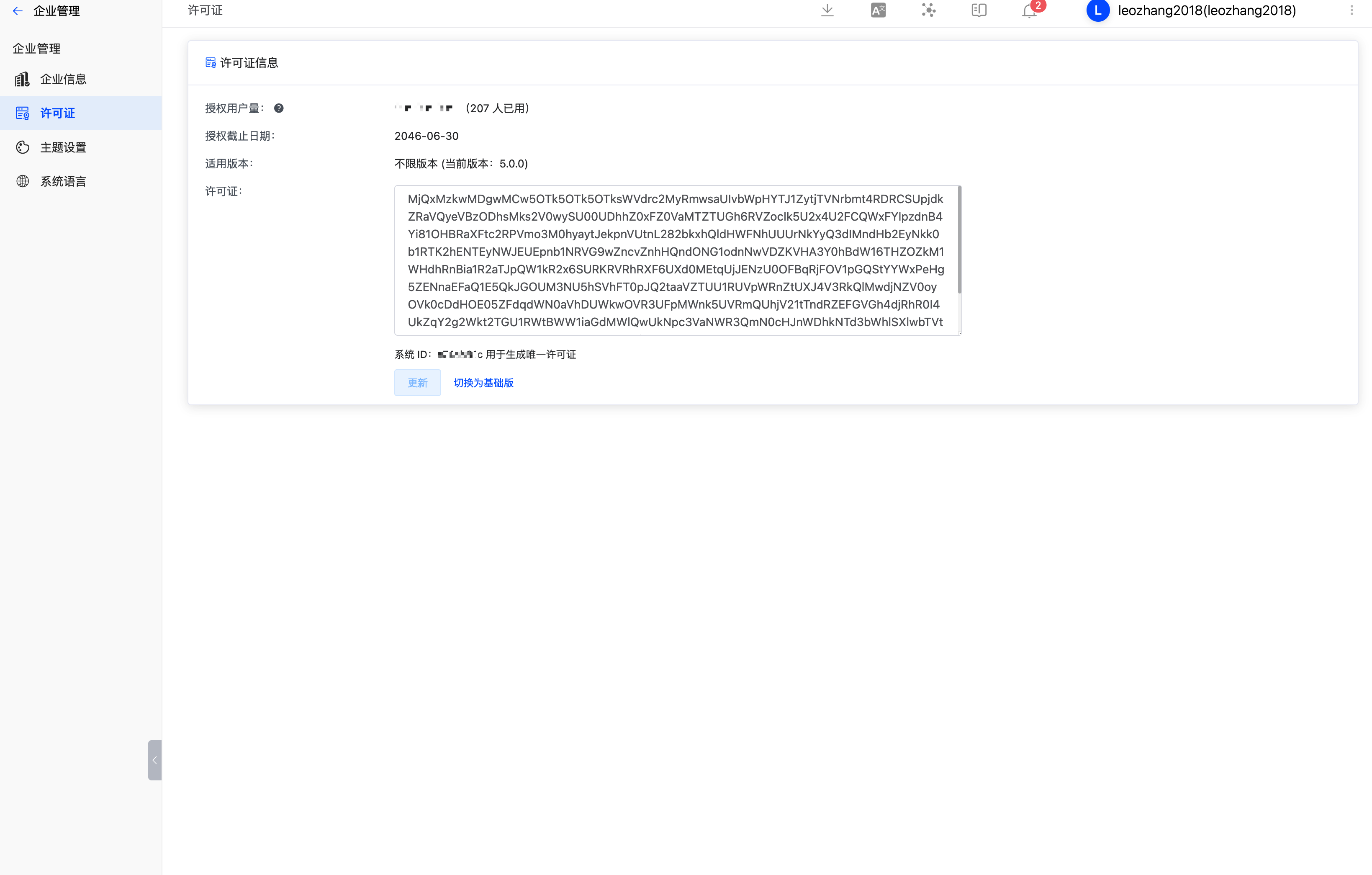
System administrators can go to Enterprise Management -> License to configure the license as needed.
# System Theme
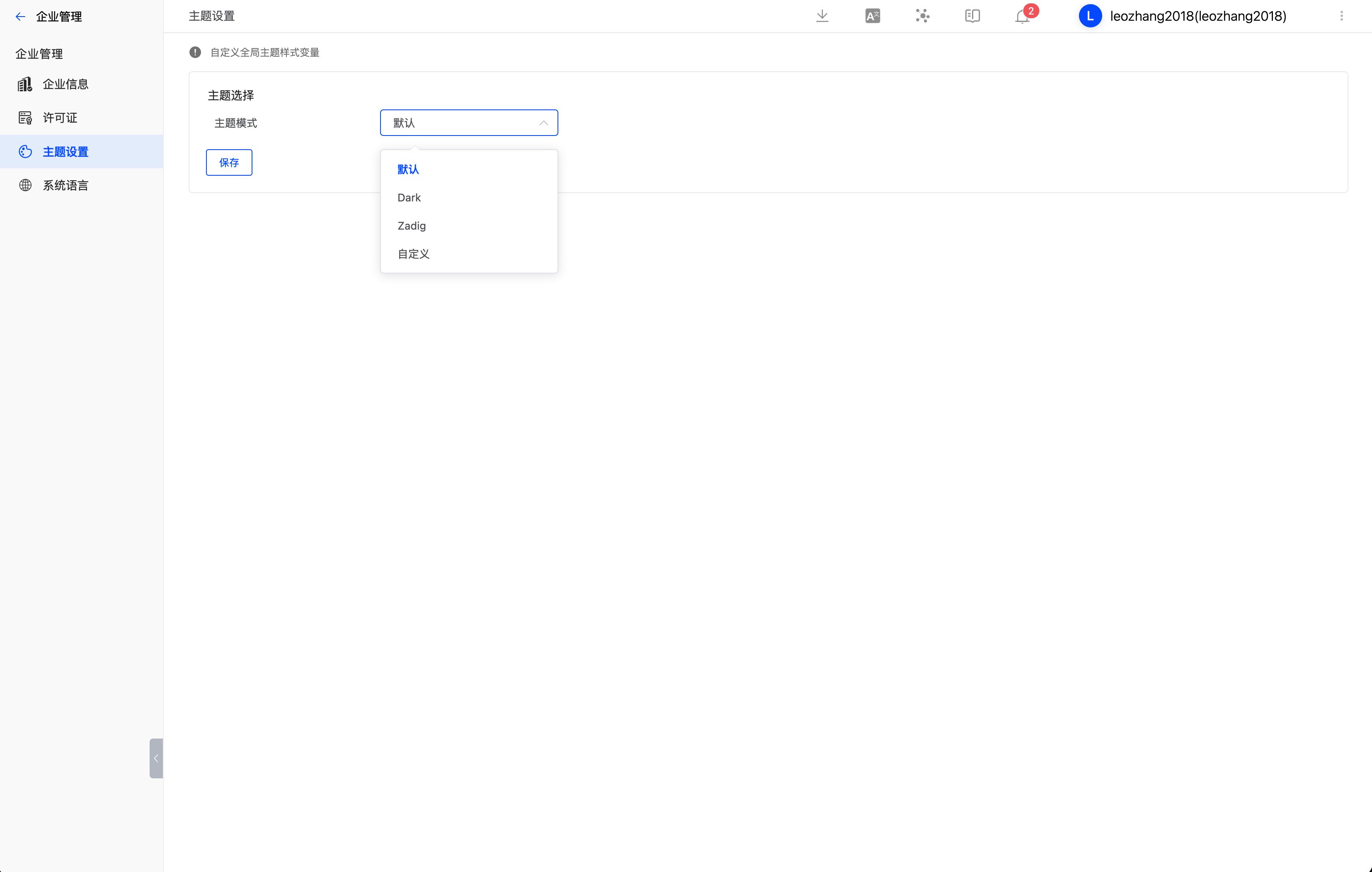
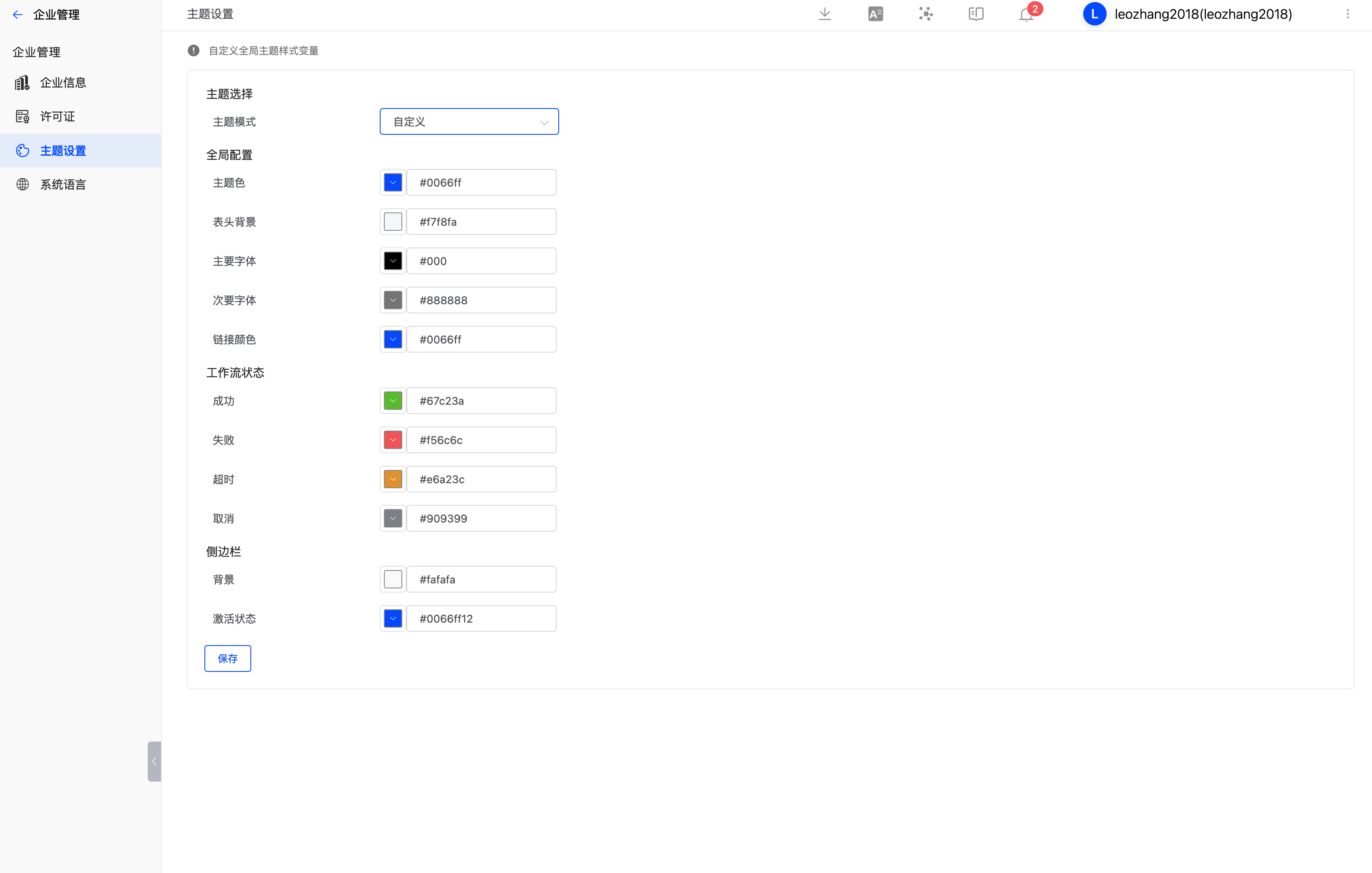
System administrators can go to Enterprise Management -> Theme Settings to select a built-in system color scheme or customize the system theme colors.
Tip: Once the system theme is configured, it takes effect for all users.
# System Language
Set the language used by system components, including email templates, IM notifications, and more.